Digital Business Cards
Simple. Secure. Powerful.
Get started for free* Supports Apple plattforms and Android. Available in all EU member states except France.
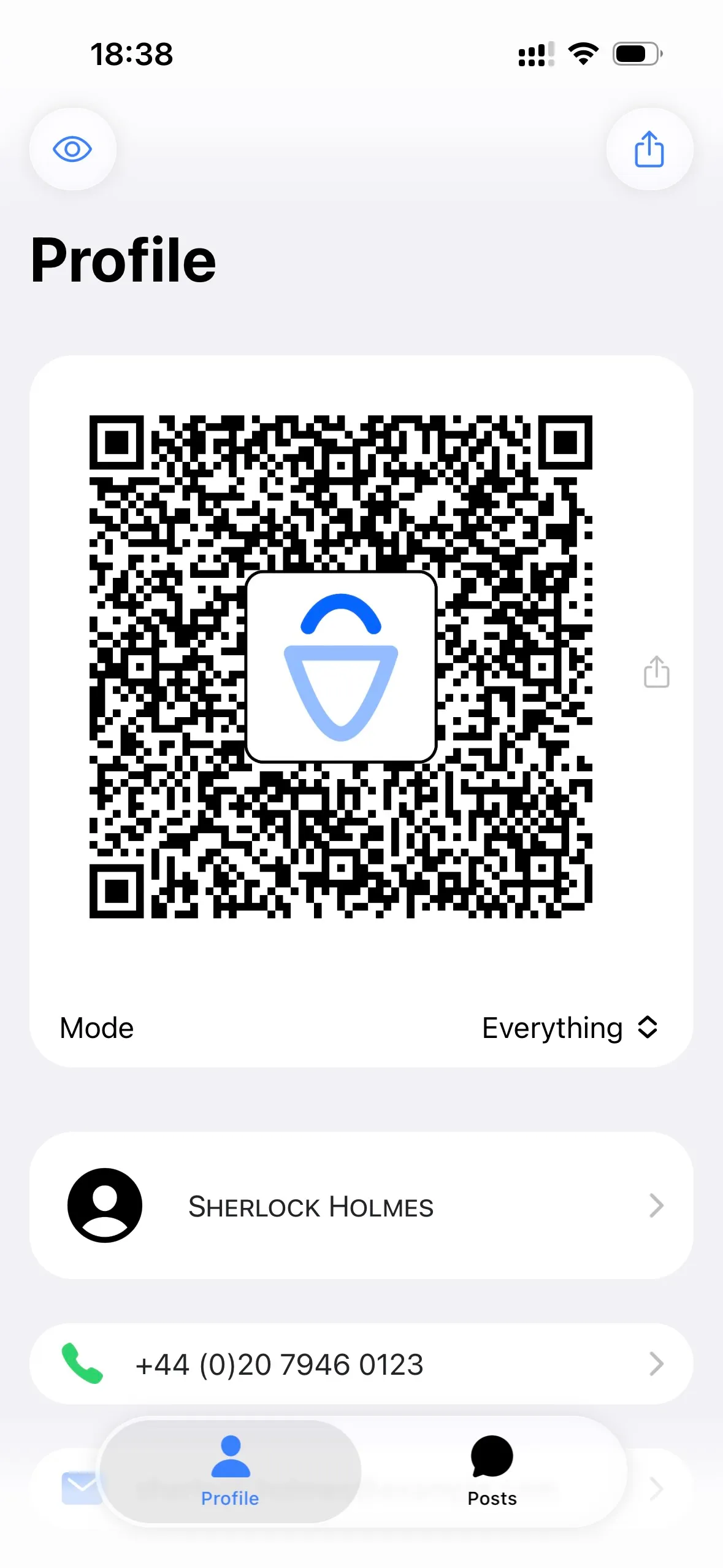
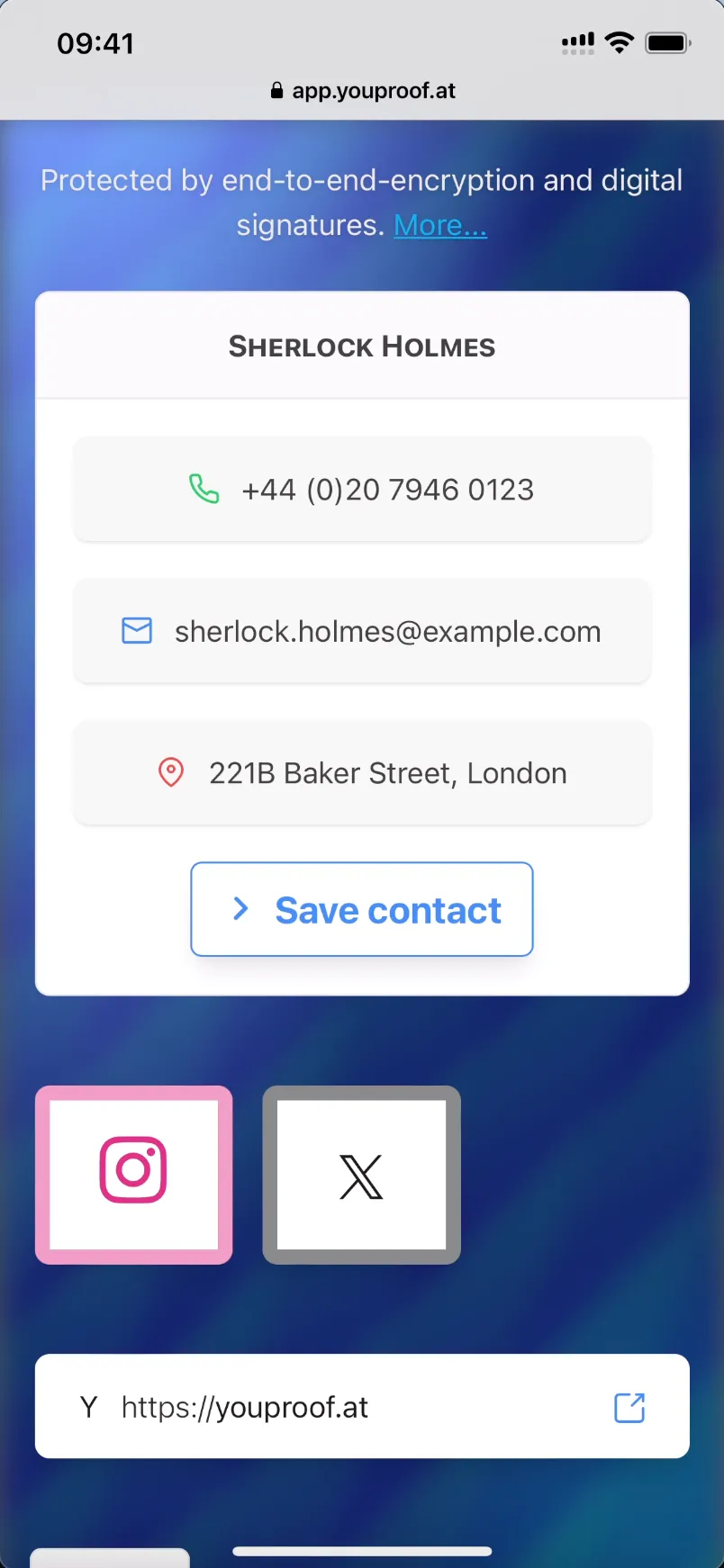
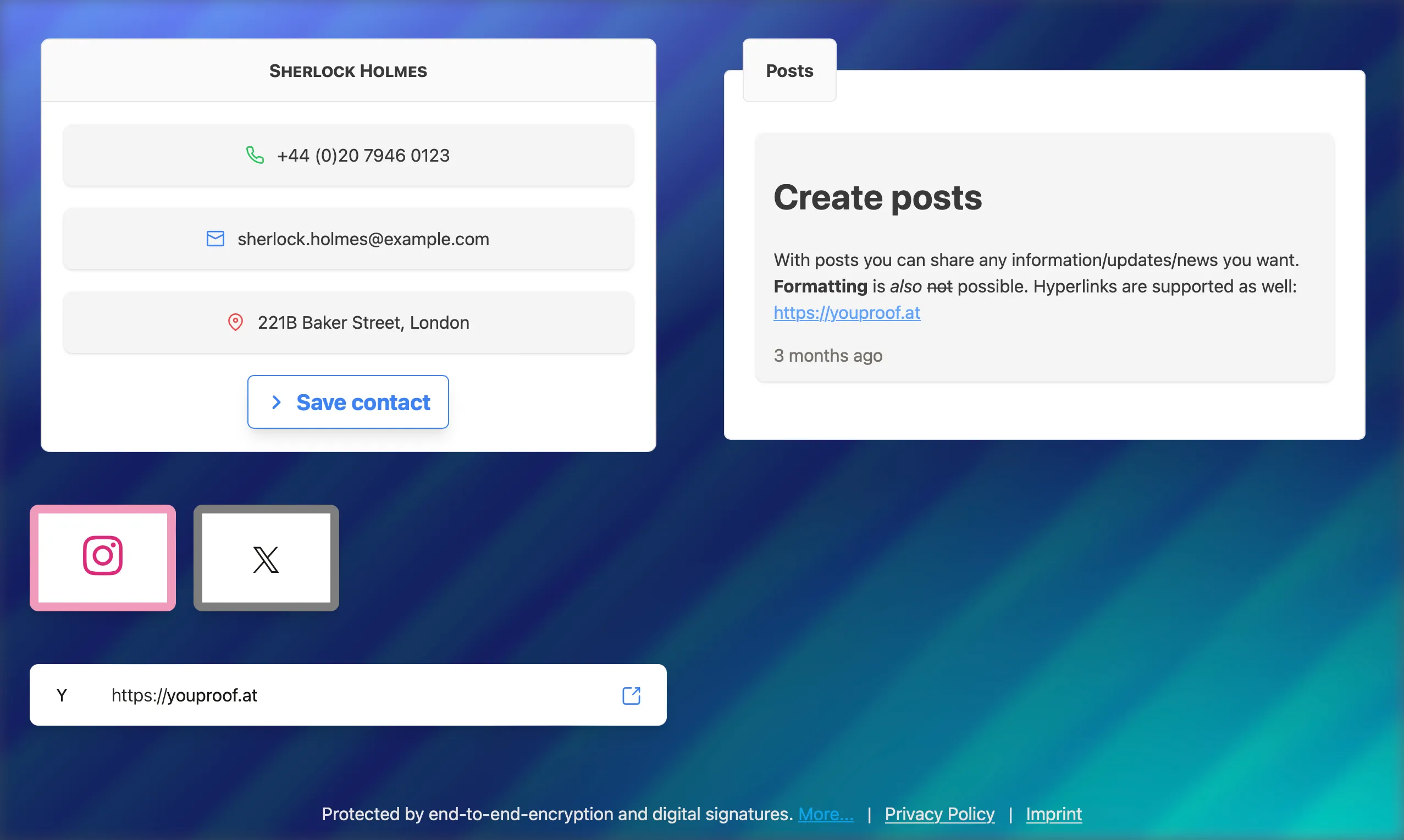
This is youProof
Probably the most modern digital business card.
Exchanging contact information is no longer as simple as it used to be. Digital business cards from youProof are the solution. They are impressively simple and incredibly secure.
With passwordless QR code login, we say no to hackers. End-to-end encryption protects your data from prying eyes. Digital signatures ensure that no one but you can alter your data.
Your Advantages
Briefly, in three points.
Simple
Install the app and start immediately. No complicated passwords or logins needed.
Easily create backups on your other devices using QR code.
Powerful
Share any 5 contact details, links, or posts for free and without ads.
Plus, get a homescreen widget to share your business card easily.
With a premium subscription, unlock unlimited entries including name, phone, email, homepage, address, and as many links and posts as you want (anti-spam limits apply).
Secure
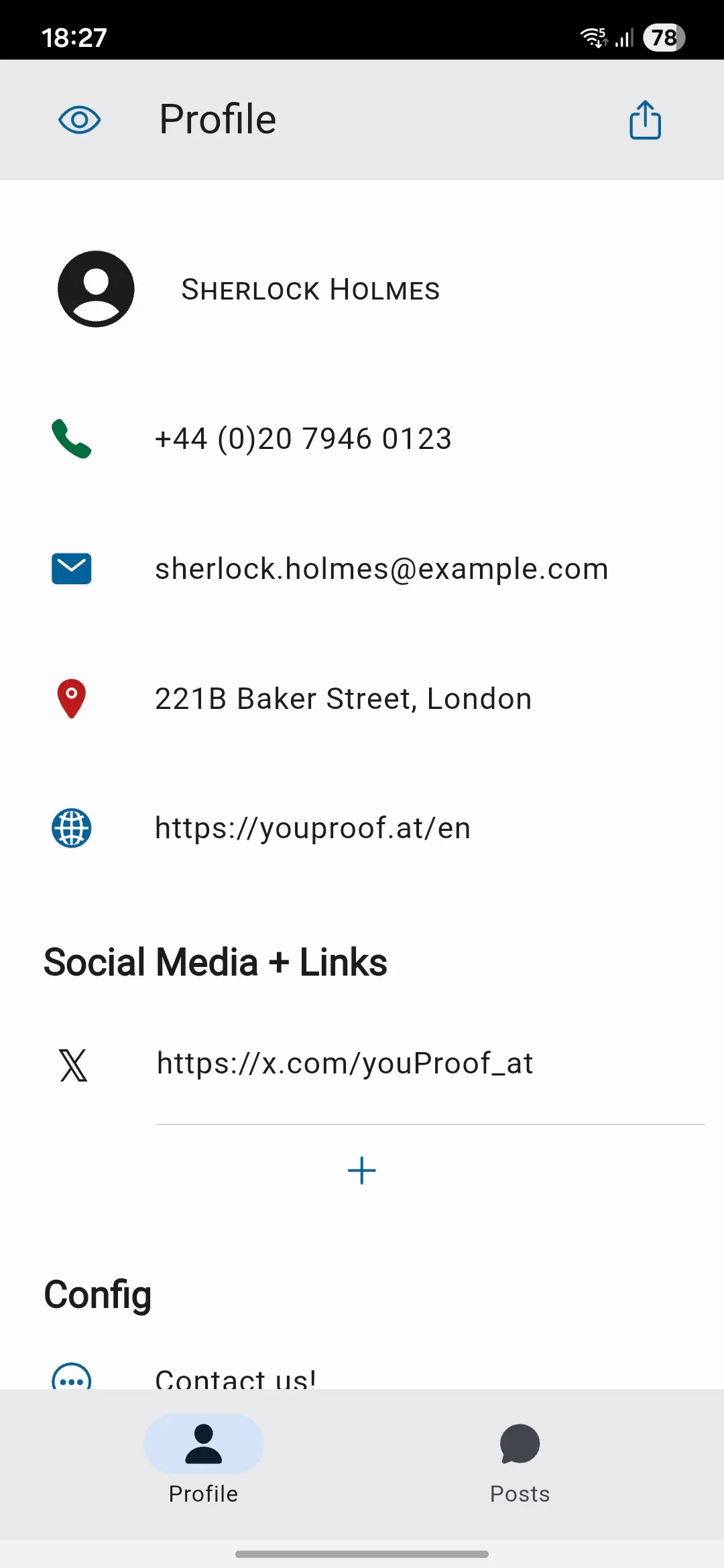
Your profile is protected by biometric login on your device.
The authenticity of the data on your business card is protected by digital signatures.
We protect your privacy with end-to-end encryption.
youProof Made Easy
/01
Encrypted & Signed
Thanks to modern digital signatures, only you can change the data on your business card. No one else—not even us.
With end-to-end encryption, we go one step further: Your business card can only be read with a valid link. We don't have that, so we don't even know your data.
/02
Premium
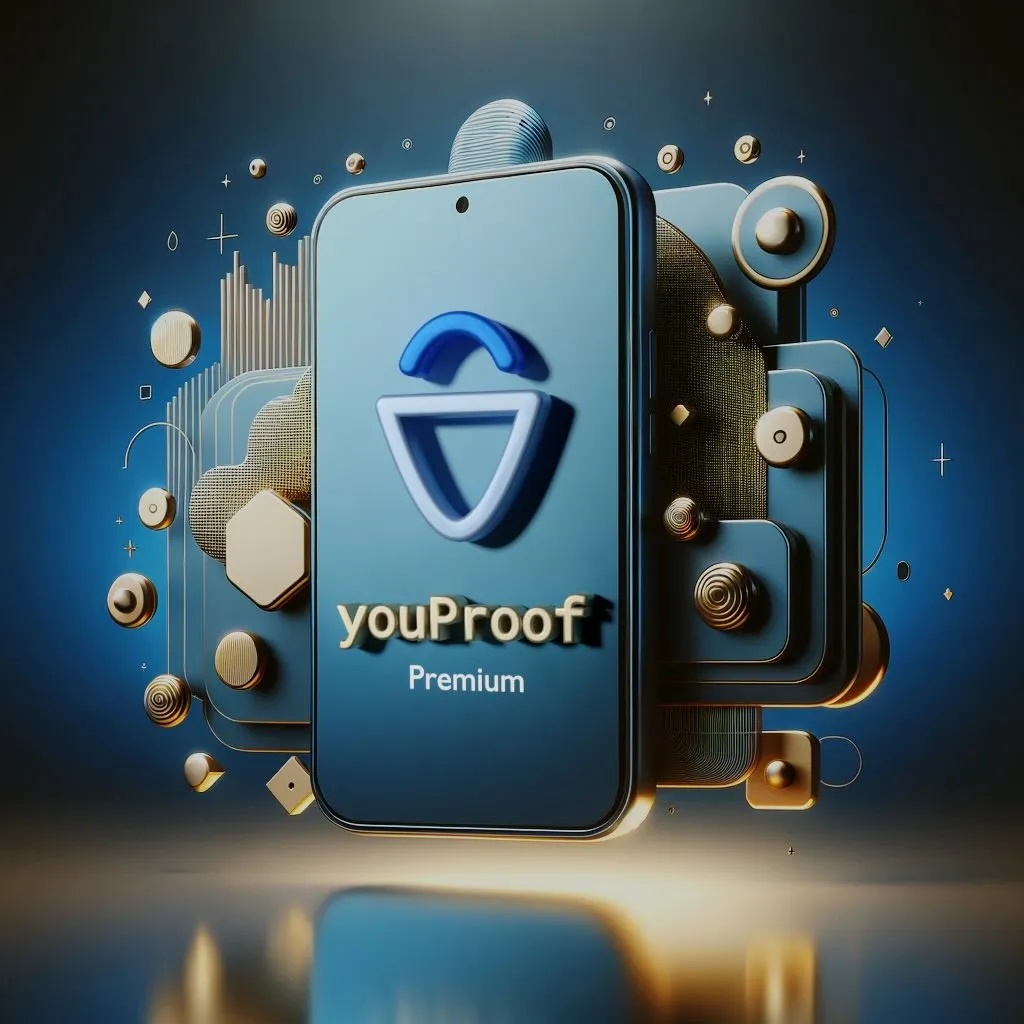
With youProof Premium, you can share unlimited contact details, links, and posts.
Free users can share up to 5 entries. Premium unlocks everything: name, phone, email, homepage, address, and unlimited links and posts (anti-spam limits apply).
/03
Security
At youProof, there are no passwords. Instead, each profile has a QR code for logging in. It is securely encrypted and stored on your device.
Simply scan the QR code with the youProof app on another of your devices, and you're logged in.
Keep this QR code always secret, show it to no one, make no screenshots of it, and scan it only with the real youProof app. Tip: Only you should be able to unlock your devices; anyone who can unlock your devices also has access to your youProof profile.

Learn
Get to know how youProof works.
Using youProof securely
Best practices on how you can protect your youProof profile.
September 20, 2024
Secure (Short) Links
How youProof links work and how we try to keep them short.
September 13, 2024